Last Updated on 11/09/2026 by Eran Feit
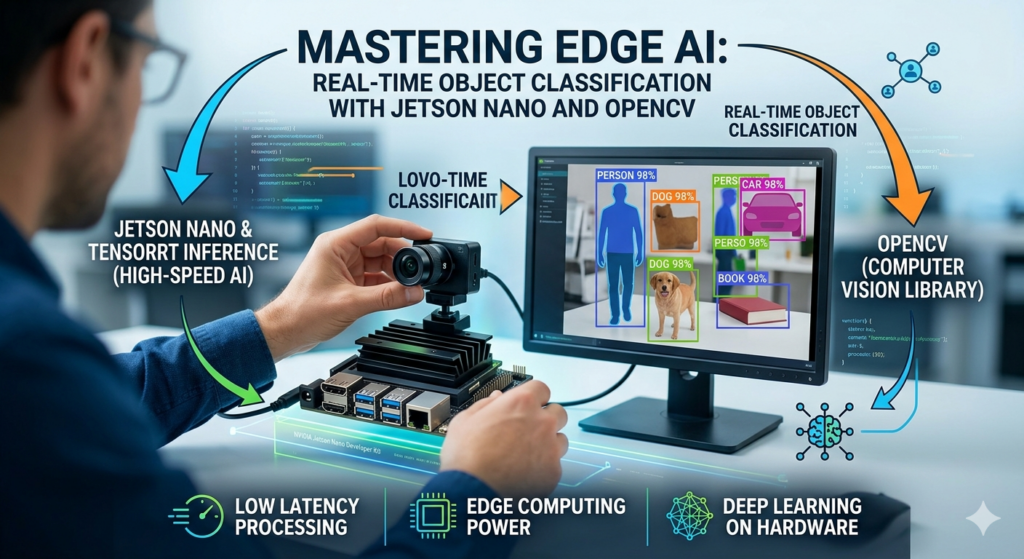
Mastering Jetson Nano object classification is the key to building powerful, independent AI systems on the edge. While many developers struggle with slow frame rates and high latency, this guide focuses on utilizing the full potential of NVIDIA’s hardware. By integrating TensorRT inference with OpenCV, you will transform your Jetson Nano into a high-speed vision engine capable of identifying objects in real-time. Whether you are a computer vision engineer or a community enthusiast, this step-by-step tutorial provides the professional framework needed for efficient deep learning deployment.
Why is the NVIDIA Jetson Nano the ultimate choice for edge-based object classification? The NVIDIA Jetson Nano revolutionized the field of edge computing by bringing high-performance GPU capabilities to a small, energy-efficient form factor. Unlike traditional microcontrollers or standard single-board computers that rely solely on the CPU for processing, the Nano features a 128-core Maxwell GPU. This dedicated hardware allows for the parallel processing of massive datasets, which is the fundamental requirement for running modern deep learning models without needing a connection to a remote cloud server.
Efficiency on the edge is not just about raw power; it is about the “Performance per Watt” ratio. The Jetson Nano can run complex neural networks while consuming as little as 5 to 10 Watts of power, making it ideal for battery-operated devices, autonomous drones, and remote IoT sensors. By processing data locally, developers can eliminate the latency issues associated with cloud computing, ensuring that the system can react to visual stimuli in milliseconds—a critical factor for safety and real-time decision-making.
Furthermore, the ecosystem surrounding the Jetson Nano, specifically the NVIDIA JetPack SDK, provides a professional-grade development environment. This software stack includes CUDA, cuDNN, and TensorRT, which are the same tools used in high-end data centers. This compatibility means that a developer can train a model on a powerful workstation and deploy it directly to the Nano with minimal adjustments, bridging the gap between research and practical, real-world deployment in the field of AI and computer vision.
Jetson Nano Object Classification How does TensorRT inference significantly boost performance compared to standard frameworks? TensorRT is NVIDIA’s high-performance deep learning inference optimizer and runtime that delivers low latency and high throughput for AI applications. When you use a standard framework like TensorFlow or PyTorch directly on the edge, the overhead of the framework can slow down the execution. TensorRT solves this by taking a trained model and performing “layer fusion,” where multiple operations are combined into a single kernel execution on the GPU, drastically reducing memory access and computation time.
Another major advantage of TensorRT is its ability to perform precision calibration. Most models are trained using FP32 (32-bit floating point) math, but the Jetson Nano can execute FP16 (half-precision) operations much faster. TensorRT automatically optimizes the model to use lower precision where possible without significantly sacrificing the accuracy of the classification. This optimization allows the Jetson Nano to maintain high frame rates (FPS) even when processing high-definition video streams from a CSI or USB camera.
Finally, TensorRT optimizes the use of the Jetson Nano’s memory hierarchy. It manages the GPU’s shared memory and registers to ensure that data stays close to the processing cores, avoiding the “bottleneck” of slow system RAM. By utilizing the jetson-inference library, which acts as a wrapper for TensorRT, developers gain access to these complex optimizations through a simple Python API, allowing them to focus on the application logic rather than low-level hardware tuning.
What is the strategic role of OpenCV in the object classification pipeline? While the inference engine handles the mathematical predictions of the neural network, OpenCV acts as the essential bridge for data acquisition and visual output. OpenCV (Open Source Computer Vision Library) provides the necessary tools to interface with various camera drivers, handle video streams, and manipulate image frames before they are sent to the AI model. It allows developers to implement custom pre-processing steps, such as color space conversion, noise reduction, or specific cropping, ensuring the input data is of the highest quality.
Beyond pre-processing, OpenCV is the primary tool for creating a meaningful user interface. Once the Jetson Nano identifies an object, you need a way to communicate that information to the end-user or another system. OpenCV enables the dynamic drawing of text labels, confidence scores, and graphical overlays directly onto the video frames. This visual feedback is crucial for debugging during development and for providing a functional display in final products like smart mirrors or diagnostic tools.
Moreover, OpenCV’s integration with Python allows for seamless logic branching based on the AI’s output. For instance, you can write a script that uses OpenCV to save a snapshot to disk or trigger a physical GPIO pin only when a specific object class—such as a “person” or “license plate”—is detected with a confidence level above 90%. This synergy between the “brain” (TensorRT) and the “eyes” (OpenCV) creates a robust, end-to-end computer vision system capable of complex environmental interaction.
How can developers troubleshoot common bottlenecks in Jetson Nano AI projects? One of the most frequent bottlenecks in Jetson Nano projects is “thermal throttling,” where the device slows down its clock speeds to prevent overheating. To achieve consistent inference performance, developers must ensure adequate cooling, such as using a dedicated fan or a large heatsink. Additionally, using the command sudo jetson_clocks is a professional best practice; this command forces the CPU and GPU to run at their maximum rated frequencies, eliminating the performance “dips” that occur when the system tries to manage power dynamically.
The second common issue relates to memory management, particularly the overhead of moving data between the CPU and the GPU. In a naive Python script, copying large image arrays can consume significant time. By using the jetson-utils library in conjunction with jetson-inference, developers can utilize “Zero-Copy” memory. This technique allows the GPU to access the image data directly in the system memory without needing to create a redundant copy, which significantly increases the overall frames per second (FPS) of the application.
Lastly, the choice of the pre-trained model itself can be a bottleneck. While a model like ResNet-152 offers high accuracy, it may be too heavy for the Jetson Nano to run in real-time. Strategically choosing lightweight architectures such as GoogleNet, MobileNet, or ShuffleNet allows for a better balance between speed and precision. Developers should always benchmark their specific use case to determine the “sweet spot” where the model provides sufficient accuracy while still maintaining a responsive, real-time feel for the application.
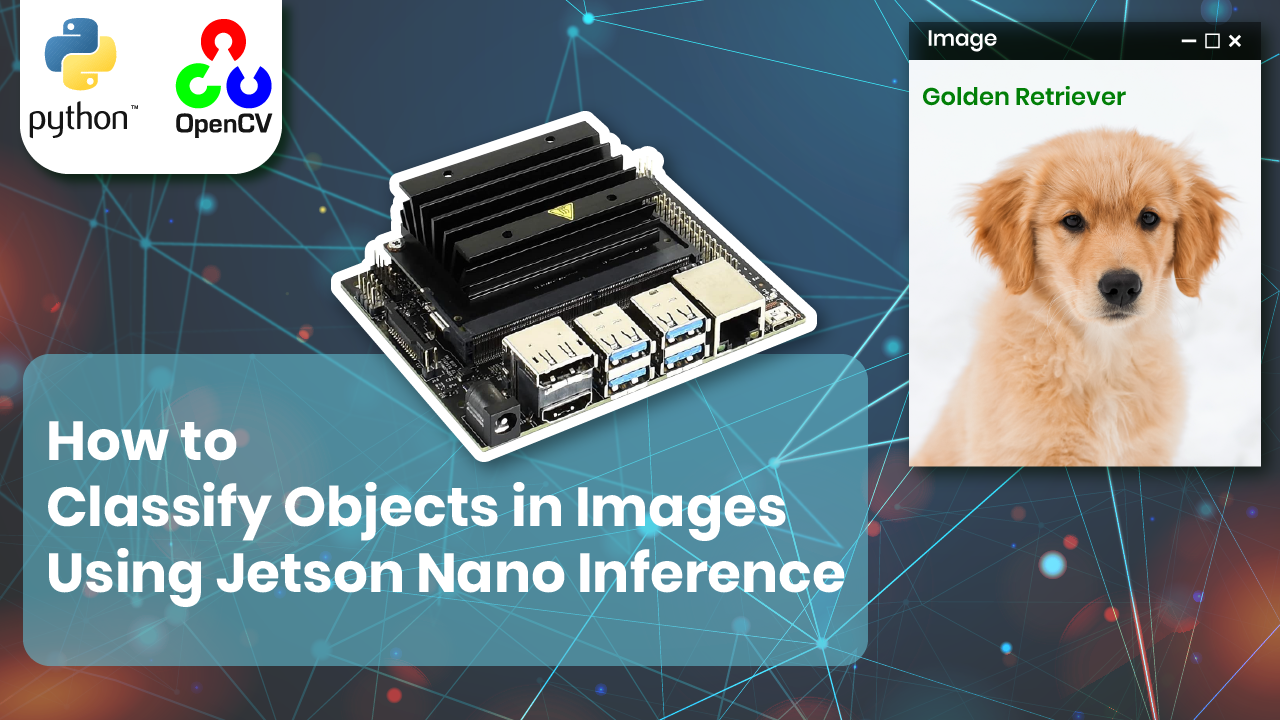
The Essentials of Jetson Nano Object Classification This tutorial shows how to run Jetson Nano image classification with Python and OpenCV.NVIDIA Jetson Inference library with GoogleNet to recognize objects in a single image.
jetson.utils, load a pretrained network with jetson.inference.imageNet, and display results with OpenCV.
The link for the video : https://youtu.be/x5kQAw0_fJc
You can find more similar tutorials in my blog posts page here : https://eranfeit.net/blog/
You can find more Nvidia Jetson Nano tutorials here : https://eranfeit.net/how-to-classify-objects-using-jetson-nano-inference-and-opencv/
You can find the full code here : https://ko-fi.com/s/7a72f61abe
Master Computer Vision
Follow my latest tutorials and AI insights on my
Personal Blog .
Beginner Complete CV Bootcamp
Foundation using PyTorch & TensorFlow.
Get Started → Interactive Deep Learning with PyTorch
Hands-on practice in an interactive environment.
Start Learning → Advanced Modern CV: GPT & OpenCV4
Vision GPT and production-ready models.
Go Advanced → Optimizing Python Code for TensorRT and OpenCV Success in Jetson Nano object classification starts with choosing an optimized model. Using pre-trained networks like GoogleNet or ResNet through the jetson-inference library ensures that your hardware isn’t wasted on inefficient calculations. These models are specifically tuned to utilize the 128-core Maxwell GPU found inside the Nano.
In real-time computer vision, every millisecond counts. By capturing frames directly into CUDA memory, we eliminate the need for costly CPU-to-GPU data transfers. This ‘zero-copy’ approach is a professional standard that allows your Python script to maintain high FPS even under heavy processing loads.”
### Import OpenCV for image I/O and window display. import cv2 ### Import Jetson Inference high level APIs for classification. import jetson . inference ### Import Jetson Utils for CUDA image handling and conversions. import jetson . utils ### This code is tested with Python 3.6 on Jetson Nano for compatibility with Jetson packages. # Use Python 3.6 ### Load an input image from disk into a NumPy array in BGR format as used by OpenCV. img = cv2 . imread ( ' /home/feitdemo/github/Jetson-Nano-Python/dog-demo.jpg ' ) ### Convert the BGR OpenCV image to RGBA because Jetson utilities expect RGBA when using cudaFromNumpy. frame_rgba = cv2 . cvtColor ( img , cv2 . COLOR_BGR2RGBA ) ### Upload the RGBA NumPy array to GPU memory as a CUDA image so it can be processed by the network. cude_frame = jetson . utils . cudaFromNumpy ( frame_rgba ) ### Create an image classification network using the pretrained GoogleNet model for fast inference on Jetson. net = jetson . inference . imageNet ( " googlenet " ) ### Run classification on the CUDA image and return the predicted class index and confidence score. class_id , confidence = net . Classify ( cude_frame ) ### Translate the numeric class ID into a human readable label for display or logging. class_desc = net . GetClassDesc ( class_id ) ### Draw the predicted class text onto the original OpenCV image so the result is visible. cv2 . putText ( img , class_desc ,( 30 , 80 ), cv2 . FONT_HERSHEY_COMPLEX , 1 , ( 255 , 0 , 0 ), 4 ) ### Show the image in a window using OpenCV so you can verify the prediction visually. cv2 . imshow ( ' img ' , img ) ### Move the window to the top left corner for consistent on-screen positioning during demos. cv2 . moveWindow ( ' img ' , 0 , 0 ) # position of the windows and the left corner ### Block the script until a key is pressed so the window stays open to review results. cv2 . waitKey () Pro-Tip: To ensure your Jetson Nano object classification remains stable during long runs, monitor your thermal output. High-performance AI tasks generate heat, and if the device throttles, your frame rate will drop. Using a cooling fan and setting the power mode to MAXN will yield the most consistent results.
You can find the full code here : https://ko-fi.com/s/7a72f61abe
Summary This guide demonstrates a Python 3.6 script for performing object classification on the NVIDIA Jetson Nano using an static image. It highlights the integration of standard image processing with OpenCV alongside NVIDIA’s highly optimized jetson-inference and jetson-utils libraries. By leveraging TensorRT-optimized pre-trained models like GoogleNet, this workflow ensures that the heavy computational demands of deep learning are processed efficiently directly on the Nano’s Maxwell GPU, rather than the CPU. This local execution is fundamental to Edge AI, reducing latency and eliminating reliance on cloud connectivity.
The technical workflow is divided into four distinct phases. First, the application initializes the required libraries and the high-performance inference engine. Second, an image is loaded into memory, converted to the RGBA color space expected by Jetson utilities, and critically uploaded to CUDA memory. This data movement from the CPU-accessible RAM to GPU-specific memory is a key optimization technique for maximizing performance on embedded devices. Next, the deep learning inference is executed against the optimized model, which analyzes the pixel data and outputs a predicted class ID and its associated confidence score.
The final phase transforms these results into a visible output for the user. OpenCV is utilized to translate the numeric prediction into a readable description and draw this label directly onto the image frame. The script then generates a display window on the screen and moves it to the top-left corner for consistent positioning, ensuring the final, classified image remains visible for review until a key is pressed.
While this script serves as an essential foundational guide using a static image, the optimization principles it demonstrates—particularly the efficient data pipeline between memory types—are scalable. Developers can adapt this code to process real-time video streams from CSI or USB cameras, forming the basis for professional Computer Vision systems such as autonomous robotics, smart surveillance, or industrial automation on the edge.
More similar Python Projects
Connect : ☕ Buy me a coffee — https://ko-fi.com/eranfeit
🖥️ Email : feitgemel@gmail.com
🌐 https://eranfeit.net
🤝 Fiverr : https://www.fiverr.com/s/mB3Pbb
Enjoy,
Eran
 Skip to content