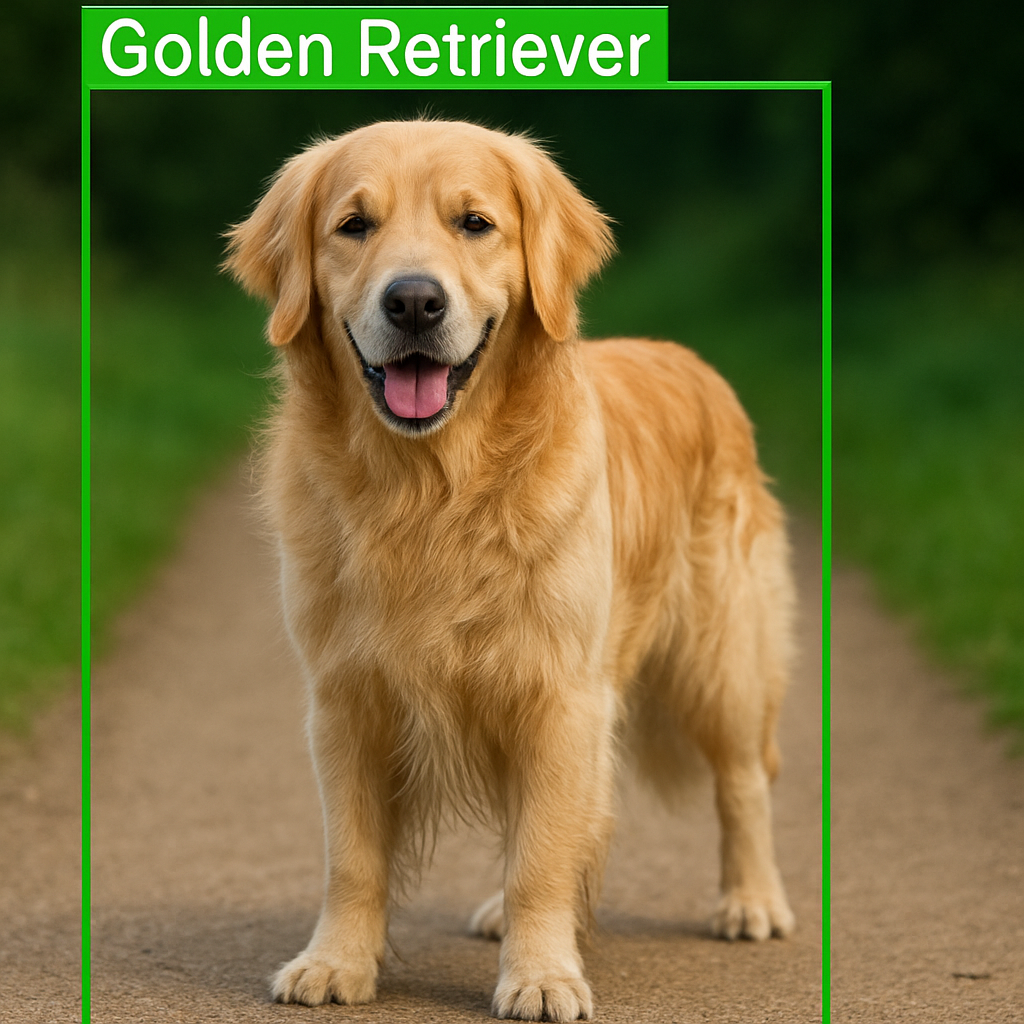
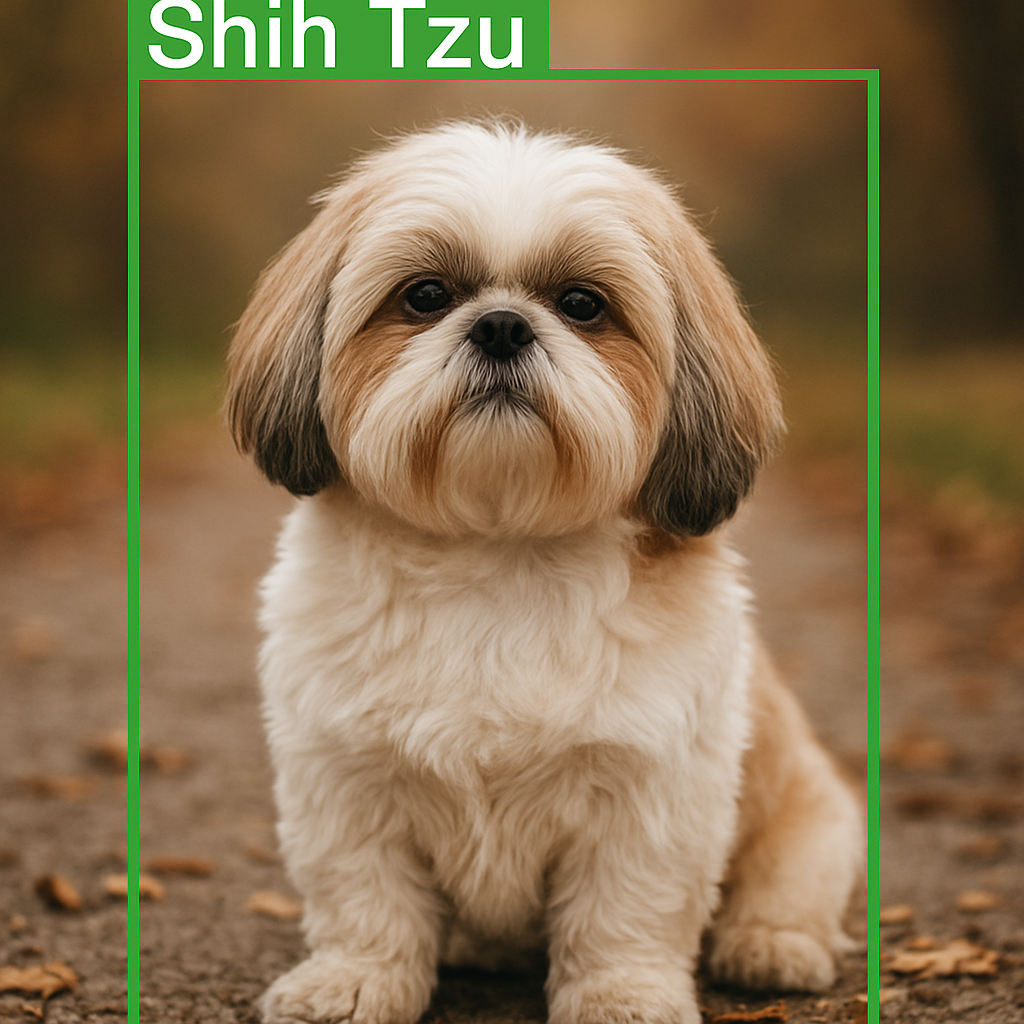
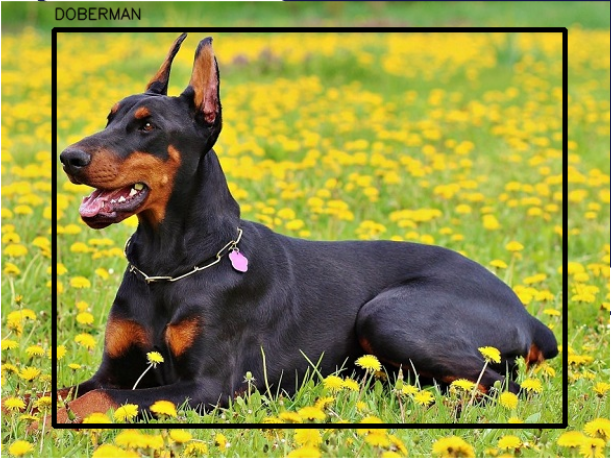
Even if the numbers “look fine,” the fastest truth test is visual.
This step also catches subtle issues, like swapped width/height, wrong normalization, or mismatched file names.
### Import the YOLO class from Ultralytics (even though we mainly use OpenCV here, this keeps the environment consistent). from ultralytics import YOLO ### Import OpenCV to handle image loading, drawing, and display. import cv2 ### Import os for working with file paths if needed later. import os ### Import yaml in case you want to read configuration files alongside this script. import yaml ### Define the path to the example dog image you want to visualize. img = " C:/Data-sets/Stanford Dogs Dataset/images/images/n02087394-Rhodesian_ridgeback/n02087394_2253.jpg " ### Define the path to the YOLO label file corresponding to this image. imgAnot = " C:/Data-sets/Stanford Dogs Dataset/annotations/n02087394_2253.txt " ### Define a dictionary mapping dog breed names to integer class indices. class_indices = { " Chihuahua " : 0 , " Japanese_spaniel " : 1 , " Maltese_dog " : 2 , " Pekinese " : 3 , " Tzu " : 4 , " Blenheim_spaniel " : 5 , " papillon " : 6 , " toy_terrier " : 7 , " Rhodesian_ridgeback " : 8 , " Afghan_hound " : 9 , " basset " : 10 , " beagle " : 11 , " bloodhound " : 12 , " bluetick " : 13 , " tan_coonhound " : 14 , " Walker_hound " : 15 , " English_foxhound " : 16 , " redbone " : 17 , " borzoi " : 18 , " Irish_wolfhound " : 19 , " Italian_greyhound " : 20 , " whippet " : 21 , " Ibizan_hound " : 22 , " Norwegian_elkhound " : 23 , " otterhound " : 24 , " Saluki " : 25 , " Scottish_deerhound " : 26 , " Weimaraner " : 27 , " Staffordshire_bullterrier " : 28 , " American_Staffordshire_terrier " : 29 , " Bedlington_terrier " : 30 , " Border_terrier " : 31 , " Kerry_blue_terrier " : 32 , " Irish_terrier " : 33 , " Norfolk_terrier " : 34 , " Norwich_terrier " : 35 , " Yorkshire_terrier " : 36 , " haired_fox_terrier " : 37 , " Lakeland_terrier " : 38 , " Sealyham_terrier " : 39 , " Airedale " : 40 , " cairn " : 41 , " Australian_terrier " : 42 , " Dandie_Dinmont " : 43 , " Boston_bull " : 44 , " miniature_schnauzer " : 45 , " giant_schnauzer " : 46 , " standard_schnauzer " : 47 , " Scotch_terrier " : 48 , " Tibetan_terrier " : 49 , " silky_terrier " : 50 , " coated_wheaten_terrier " : 51 , " West_Highland_white_terrier " : 52 , " Lhasa " : 53 , " coated_retriever " : 55 , " golden_retriever " : 56 , " Labrador_retriever " : 57 , " Chesapeake_Bay_retriever " : 58 , " haired_pointer " : 59 , " vizsla " : 60 , " English_setter " : 61 , " Irish_setter " : 62 , " Gordon_setter " : 63 , " Brittany_spaniel " : 64 , " clumber " : 65 , " English_springer " : 66 , " Welsh_springer_spaniel " : 67 , " cocker_spaniel " : 68 , " Sussex_spaniel " : 69 , " Irish_water_spaniel " : 70 , " kuvasz " : 71 , " schipperke " : 72 , " groenendael " : 73 , " malinois " : 74 , " briard " : 75 , " kelpie " : 76 , " komondor " : 77 , " Old_English_sheepdog " : 78 , " Shetland_sheepdog " : 79 , " collie " : 80 , " Border_collie " : 81 , " Bouvier_des_Flandres " : 82 , " Rottweiler " : 83 , " German_shepherd " : 84 , " Doberman " : 85 , " miniature_pinscher " : 86 , " Greater_Swiss_Mountain_dog " : 87 , " Bernese_mountain_dog " : 88 , " Appenzeller " : 89 , " EntleBucher " : 90 , " boxer " : 91 , " bull_mastiff " : 92 , " Tibetan_mastiff " : 93 , " French_bulldog " : 94 , " Great_Dane " : 95 , " Saint_Bernard " : 96 , " Eskimo_dog " : 97 , " malamute " : 98 , " Siberian_husky " : 99 , " affenpinscher " : 100 , " basenji " : 101 , " pug " : 102 , " Leonberg " : 103 , " Newfoundland " : 104 , " Great_Pyrenees " : 105 , " Samoyed " : 106 , " Pomeranian " : 107 , " chow " : 108 , " keeshond " : 109 , " Brabancon_griffon " : 110 , " Pembroke " : 111 , " Cardigan " : 112 , " toy_poodle " : 113 , " miniature_poodle " : 114 , " standard_poodle " : 115 , " Mexican_hairless " : 116 , " dingo " : 117 , " dhole " : 118 , " African_hunting_dog " : 119 } ### Create a reverse mapping from class index to readable breed name. number_to_name = { value: key for key , value in class_indices.items ()} ### Load the image from disk using OpenCV. img = cv2.imread ( img ) ### Read the image height and width so we can convert YOLO coordinates back to pixels. H , W , _ = img.shape ### Open the YOLO label file and read all lines into memory. with open ( imgAnot , ' r ' ) as file: ### Store every line from the label file in a list for later parsing. lines = file.readlines () ### Create an empty list that will hold parsed annotations in (label, x, y, w, h) format. annotations = [] ### Loop over each line in the YOLO label file. for line in lines: ### Split the line into separate values (class index followed by normalized coordinates). values = line.split () ### The first value is the class label index as a string. label = values [ 0 ] ### Convert the remaining four values into float coordinates. x , y , w , h = map ( float , values [ 1 : ]) ### Append the parsed annotation to our list. annotations.append (( label , x , y , w , h )) ### Loop over each parsed annotation to draw boxes on the image. for annotation in annotations: ### Unpack the label and YOLO-format coordinates. label , x , y , w , h = annotation ### Convert the numeric label back to a readable breed name. label_name = number_to_name [ int ( label )] ### Compute the top-left x coordinate in pixels. x1 = int (( x - w / 2 ) * W ) ### Compute the top-left y coordinate in pixels. y1 = int (( y - h / 2 ) * H ) ### Compute the bottom-right x coordinate in pixels. x2 = int (( x + w / 2 ) * W ) ### Compute the bottom-right y coordinate in pixels. y2 = int (( y + h / 2 ) * H ) ### Draw the bounding box rectangle around the detected dog. cv2.rectangle ( img , ( x1 , y1 ) , ( x2 , y2 ) , ( 200 , 200 , 0 ) , 1 ) ### Put the breed name text slightly above the top-left corner of the box. cv2.putText ( img , label_name , ( x1 , y1 - 5 ) , cv2.FONT_HERSHEY_SIMPLEX , 0.5 , ( 200 , 200 , 0 ) , 2 , cv2.LINE_AA ) ### Display the annotated image in a window. cv2.imshow ( " img " , img ) ### Wait for a key press so the window does not close immediately. cv2.waitKey () ### Close all OpenCV windows when you are done. cv2.destroyAllWindows ()  Skip to content